
English
Views: 0 Author: Site Editor Publish Time: 2022-07-26 Origin: Site


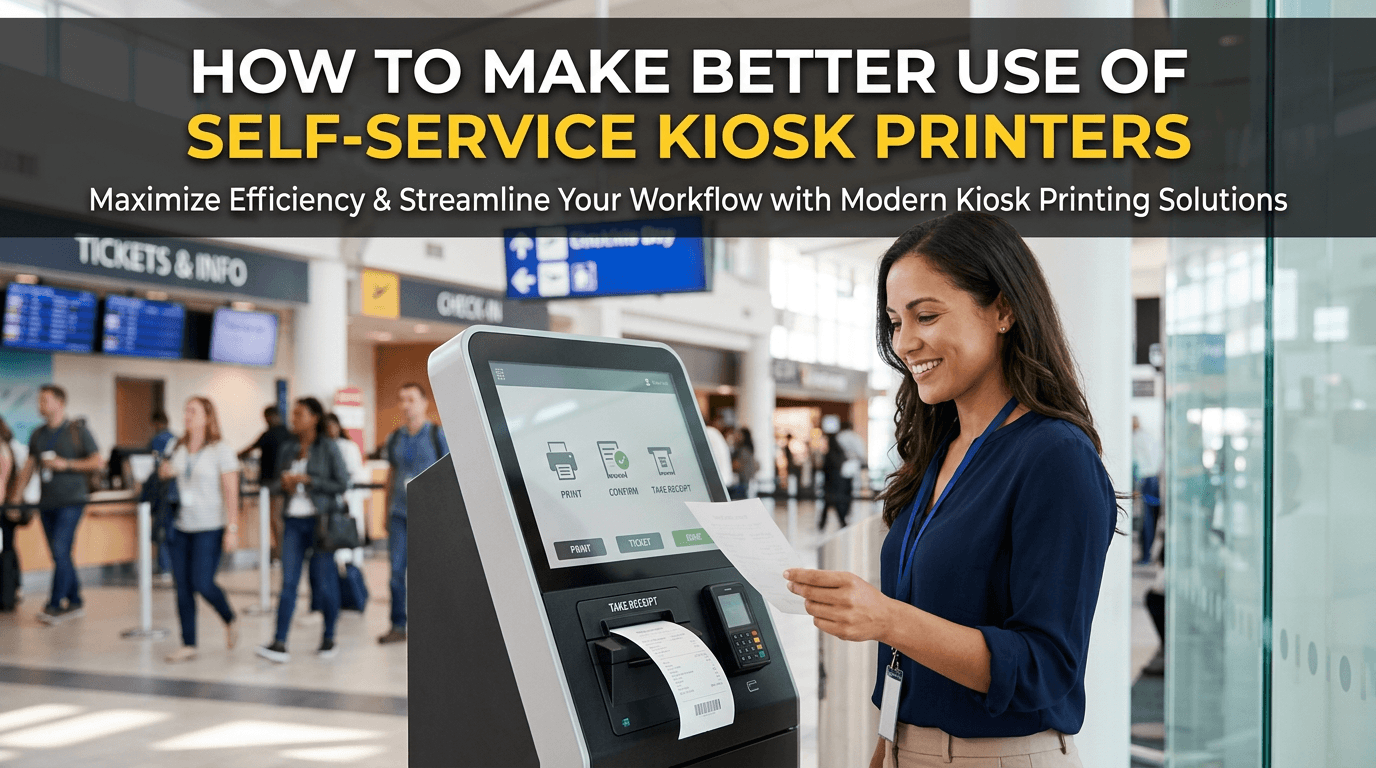
Self-service printers play an important role in modern retail stores, restaurants, hospitals, transportation hubs and public service facilities. They allow customers to print receipts, tickets, labels, queue numbers and other documents without relying on staff assistance.
However, installing a self-service kiosk printer does not automatically guarantee an efficient customer experience. Businesses need to consider printer selection, system integration, maintenance, consumables and user experience to get the most value from their equipment.
So, how can businesses make better use of self-service printer modules? Here are seven practical considerations.
The first step is selecting a printer that matches the actual self-service application. Different environments require different printing functions.
For example:
Retail and payment kiosks: Receipt printers should provide reliable printing, fast output and convenient paper replacement.
Transportation terminals: Ticket printers may require specific paper widths, black-mark detection and automatic cutting.
Healthcare systems: Queue ticket and payment receipt printers should support continuous operation and straightforward integration.
Vending machines: Compact embedded printers can help reduce installation space while providing transaction records.
Industrial self-service terminals: Printers may need customized mounting structures, communication interfaces and environmental protection.
An 80mm thermal printer is suitable for applications requiring wider receipts and more printed information, while a 58mm printer may be preferable when installation space is limited.
A self-service printer unit is only one component of a complete kiosk or terminal. It needs to communicate reliably with the main control system, payment equipment and application software.
Before installation, check the following:
Available interfaces, such as USB, RS232 or Ethernet
Compatibility with the operating system
Supported printer command sets
SDK availability and software integration requirements
Power supply and electrical specifications
Paper status and error feedback functions
For developers and system integrators, testing the communication protocol and printing workflow before mass production can help prevent compatibility problems.
A well-integrated printer should receive print commands, process data and report errors without interrupting the customer's transaction.
The printing process should be straightforward, even for customers who are unfamiliar with the equipment.
Consider these improvements:
Display clear instructions on the kiosk screen.
Show when a document is being printed.
Provide clear messages when paper is running low or printing fails.
Position the paper outlet where customers can easily access it.
Make printed receipts or tickets easy to identify and collect.
Avoid unnecessary steps between completing a transaction and receiving the printed document. A simple printing workflow reduces confusion and helps improve the overall self-service experience.
Paper shortages are among the most common reasons for self-service printer downtime.
Businesses can reduce interruptions by establishing a regular maintenance routine and using printer functions that help operators monitor equipment status.
Useful functions include:
Paper-out detection
Paper-near-end detection, where supported
Cover-open detection
Cutter error detection
Printing status feedback
Remote monitoring through the kiosk control system
For high-traffic locations, operators should establish paper replacement schedules based on actual usage rather than waiting until the printer runs out of paper.
Using compatible thermal paper and following the manufacturer's paper specifications can also help maintain consistent printing quality.
Self-service equipment may operate for long periods with limited direct supervision. Preventive maintenance is therefore essential.
A practical maintenance plan should include:
Cleaning the thermal printhead according to the manufacturer's instructions.
Checking the paper path for dust, debris and paper residue.
Inspecting the cutter and other moving components.
Checking cable connections and power stability.
Testing paper sensors and printing functions.
Recording recurring errors and replacing worn components when necessary.
The maintenance interval should depend on printing volume, operating conditions and the printer manufacturer's recommendations.
For businesses operating multiple kiosks, maintaining basic service records can help identify recurring problems and reduce unexpected downtime.
Standard printers may not fit every self-service terminal. Differences in cabinet dimensions, paper capacity, installation direction and software architecture can create integration challenges.
Customised embedded printer solutions can address these requirements.
Depending on the project, OEM customisation may include:
Printer dimensions and mounting structures
58mm or 80mm paper configurations
Horizontal or vertical paper-loading arrangements
USB, serial or other communication interfaces
Firmware and command-set adjustments
Automatic paper feeding and cutting functions
SDK and software integration support
Private labelling and customised packaging
Working with a printer manufacturer during the design stage allows businesses to consider these requirements before finalising the kiosk structure.
To make better use of self-service printers, businesses should measure more than printing speed.
Useful performance indicators include:
| Metric | What It Helps Evaluate |
|---|---|
| Printer uptime | Equipment availability |
| Printing success rate | Reliability of print operations |
| Paper consumption | Consumable usage and operating costs |
| Maintenance frequency | Service requirements |
| Error rate | Common technical problems |
| Customer complaints | User experience and workflow issues |
These measurements help operators identify whether problems are caused by the printer, software, paper supply or overall kiosk design.
Regular performance reviews also help businesses determine when equipment upgrades or customised printing solutions may be worthwhile.
What is the most important feature of a self-service printer?
Reliability is one of the most important considerations. The printer should match the application, communicate properly with the kiosk system and operate consistently under expected usage conditions.
Are thermal printers suitable for self-service kiosks?
Yes. Thermal printers are widely used in kiosks because they print without ink or toner, support compact designs and can provide fast receipt and ticket output.
Should I choose a 58mm or 80mm self-service printer?
Choose 80mm when the application requires wider receipts or more printed information. A 58mm model may be more suitable when space is limited or the printed content is relatively simple.
Can embedded printers be customised for self-service equipment?
Yes. Depending on the manufacturer, customisation may cover mechanical dimensions, paper handling, communication interfaces, firmware and software integration.
Making better use of self-service printers requires more than choosing a machine with a suitable paper width or printing speed. Businesses should consider the complete printing workflow, including system integration, customer experience, paper management, maintenance and long-term reliability.
For kiosk manufacturers, equipment integrators and businesses developing self-service solutions, selecting the right embedded printer at the design stage can help reduce integration difficulties and improve operational efficiency.
As a printer manufacturer, Masung supports customised printing solutions for self-service applications. Businesses with specific requirements can discuss paper formats, installation dimensions, interfaces and software integration with the engineering team to identify a suitable printer configuration.

